You’ve spent ages on the edit. The text is perfect, the timing is spot on, and then you post it and half your headline is sitting under the caption, while the other half is hidden behind the like button. Sound familiar? That’s what happens when you ignore the Instagram Reels safe zone, and it catches out almost everyone at some point. Me included.
I edit Reels for clients most days, and checking the safe zone is now one of the last things I do before anything goes out. It takes seconds, and it saves a lot of “why can’t I read this?” messages.
What is the Instagram Reels safe zone?
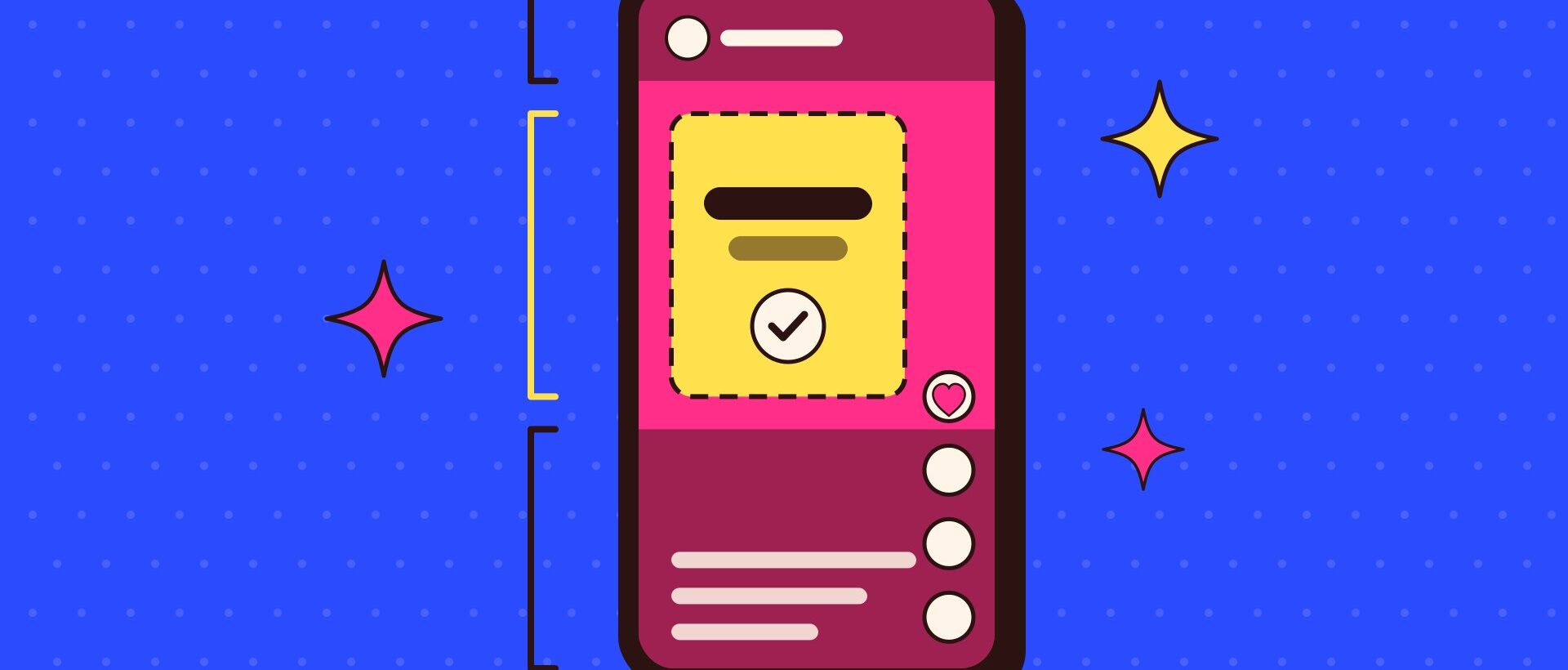
When someone watches your Reel, it isn’t just your video on the screen. Instagram lays its own things on top: your username and the audio name, the caption, and the column of buttons for liking, commenting, sharing and saving. The safe zone is the area in the middle of the screen that stays clear of all that.
Anything important, like your text, your face or your product, needs to live inside that area. Anything outside it might get covered, depending on the phone, the length of the caption and what Instagram decides to show that week.
If the like button is sitting on your headline, nobody’s reading it.
Start with the right size
Before you think about safe zones, make sure your canvas is right. At the time of writing, the standard size for a Reel is 1080 x 1920 pixels, which is a 9:16 vertical shape. That’s the size that fills a phone screen from top to bottom. Instagram will accept other shapes, but anything else leaves you with gaps or awkward cropping.
If you shoot on a phone held upright, you’re usually already in 9:16. If you’re filming on a camera, set up your edit at 1080 x 1920 from the start rather than squashing a horizontal video in afterwards.
Where does your text get covered?
There isn’t one diagram I’d trust for every phone, and the layout shifts slightly between phones and app updates. But Meta’s guidance for vertical ads is the best rule of thumb I’ve found, and it’s what most editing templates are built on. At the time of writing, it works out roughly like this:
- The top strip. Roughly the top 14% of the screen is where your username and the audio label can sit. Keep text out of it.
- The bottom third. Roughly the bottom 35% is where the caption, tags and audio track appear. This is the zone that catches people out most, because long captions creep further up.
- The right-hand edge. The like, comment, share and save buttons run down the right side, lower down the screen. Keep anything important away from that corner.
- The sides. Leave a small margin on the left and right too, so nothing touches the edge of the screen on narrower phones.
That leaves a comfortable box in the middle and slightly above centre. If your text and key action sit in there, you’re very unlikely to have a problem.
The same goes for faces. If you’re filming someone talking to camera, frame them so their eyes sit around the upper middle of the screen, not right at the top. Otherwise the username and audio label end up sitting on their forehead, which is not a great look for anyone.
Don’t forget the grid crop
There’s a second place your Reel gets cut: your profile grid. Instagram moved the grid from squares to taller rectangles in early 2025, so at the time of writing your Reel cover shows as a 3:4 crop on your profile. That means a chunk is trimmed from the top and the bottom.
If you put a title on your cover, keep it in the middle so it still reads on the grid, and check your profile after posting to make sure it hasn’t been chopped.
How I check every Reel before it goes out
This is my routine, and it works whether you edit in CapCut, Premiere Pro or straight in the Instagram app:
- Use a safe zone overlay. Make or download a transparent 1080 x 1920 image with the covered areas shaded in. Drop it on the top layer while you edit, then turn it off before you export.
- Put your text a little higher than feels natural. Instinct says the bottom of the screen, like subtitles on TV. On Reels, that’s exactly where the caption lives.
- Keep captions on screen big and short. Fewer words, bigger font. If it needs three lines, it probably needs fewer words.
- Watch it on a real phone. Before posting, send the export to your phone and watch it full screen. Or post it, check it, and edit quickly if something’s hidden.
- Write a shorter caption, or front-load it. A long caption takes up more of the screen. Put the important bit first and let the rest sit behind “more”.
Safe zones won’t save a weak Reel
I’ll be honest. Getting the safe zone right won’t make a boring Reel exciting. What it does is make sure a good Reel isn’t let down by something silly. If your hook is in text and that text is hidden, you’ve lost people before you’ve even started. If your Reels are struggling for other reasons, have a read of why your Reels flop in the first three seconds.
Treat the safe zone like checking your spelling. Nobody will thank you for it, but everybody notices when you get it wrong.